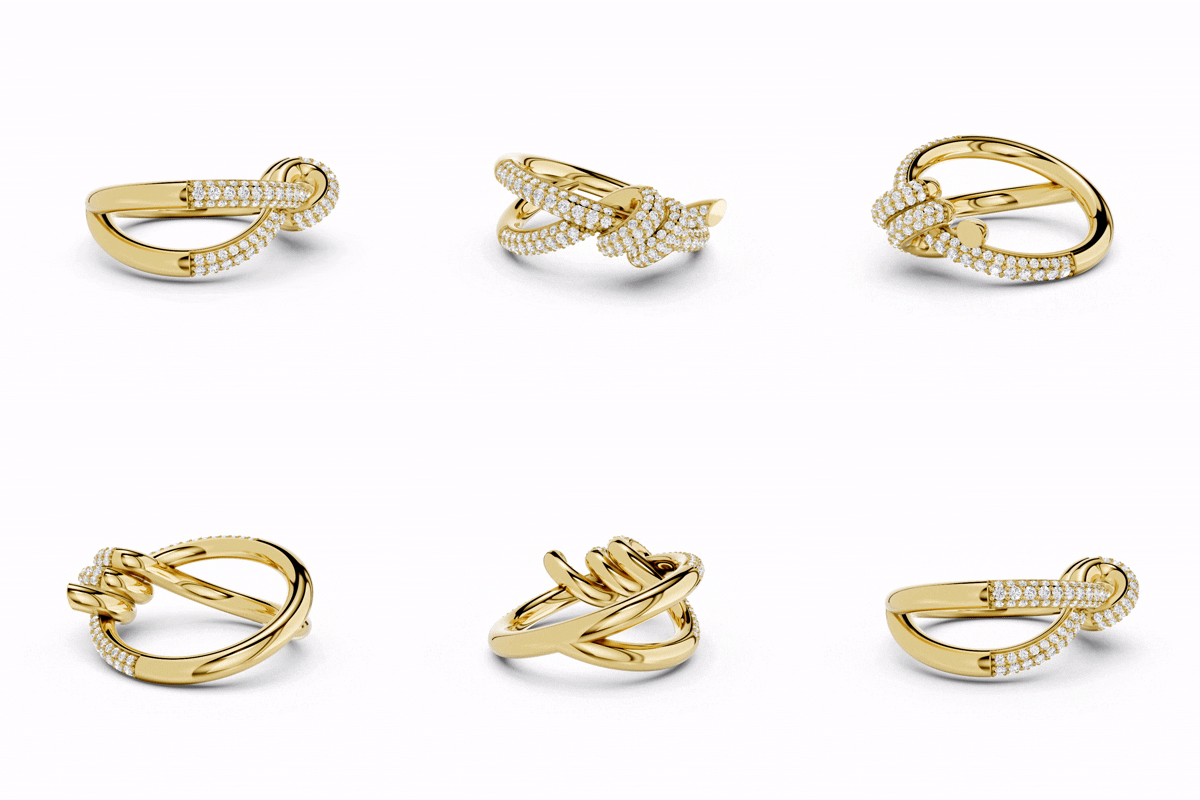


Today, jewelry is not just worn to look good or show off wealth. It has become a way to express personality and creativity. Many people, especially young people, now see jewelry as “wearable art.” They choose pieces that match their style and emotions. Because of this, design has become very important in the world of jewelry.
Jewelry Designers now create unique shapes, use new materials, and blend ideas from different cultures. People also care more about who designs jewelry. The name of a famous designer can make a big difference when someone decides to buy a piece. This shows that strong design skills are now one of the most important parts of a jewelry brand.
Since design is so important, choosing the right software for creators is also very important. Fortunately, there are many jewelry design tools available today. Some are free and good for beginners, while others are advanced and made for professionals. These tools help turn ideas into real designs.
1. 3Design
- Developer: Type3
- Released: Late 1990s
- Platforms: Windows, macOS
- Best for professional jewelers and client-based design work
- Price: $6,950
3Design is a powerful software specifically created for jewelry design. It helps designers easily create detailed and creative pieces. The software includes custom shapes, twisted designs, multi-rail sweeps, and a variety of stone settings. It also allows users to add textures, create hollow designs, and prepare technical drawings.
The software offers several modifiers that allow designers to bend, twist, stretch, or reshape objects. One special feature is the Envelope Deformer, which gives complete control over changing the shape of a design. When used with 3Shaper Pro, designers can freely sculpt designs like clay.
3Design works with a parametric system. This means you can easily change the size or style of the design at any time without having to start over. The stones and settings are automatically adjusted as you make changes.
The interface is simple and easy to use. It uses icons and step-by-step tools, which helps beginners learn quickly. Because of this, many Jewelry businesses use 3Design to create designs together with their clients.
However, some users find the software can be a bit limiting because it follows fixed design steps and relies on ready-made shapes.
2. Jewelry CAD Dream
- Developer: Jewelry CAD CAM Masters (JCCM, LLC)
- Released: 2011
- Platform: Windows
- Best for: Professional jewelers, designs filled with gems
- Price: $5,850
Jewelry CAD Dream is a powerful tool specifically made for jewelry design. It helps designers easily create rings, necklaces, and other pieces. The software offers both solid and surface modeling tools, so users can shape designs in many ways.
You can directly edit parts like faces, sizes, and curves right on the screen. It also has morphing tools that help create smooth and natural-looking shapes. If you don’t want to start from scratch, you can use several ready-made models from its library.
One of its biggest strengths is its parametric system. This means you can change important design values at any time, and the model updates automatically without breaking. It works very well even with heavy designs that include hundreds of gemstones.
This software includes many tools made just for jewelry, such as pave settings, prongs, bezels, chains, textures, and more. You can also add patterns, engravings, and even import images to create unique textures.
Jewelry CAD Dream also prepares files for 3D printing and casting. It corrects errors and can even add sprues for casting trees. In addition, it has a built-in Jewelry renderer to create realistic images of your jewelry.
Despite its many features, the interface remains clean and easy to learn.
3. Rhino3D
- Developer: Robert McNeil & Associates
- Released: 1998
- Platform: Windows, macOS (limited features)
- Best for: Advanced designers, complex shapes
- Price: $995 ($195 for students)
Rhino, also known as Rhino, is a popular 3D design software. It uses NURBS modeling, which helps create simple and detailed shapes. Designers use it not only for jewelry, but also in car, ship, and product design.
Rhino offers several tools for shaping surfaces, such as cleaning and lofting. These tools help create complex designs. However, Rhino does not save a complete design history, so it can be difficult to make changes later. You need a good level of skill to use it properly.
The interface may seem complicated at first, and it may take a while for beginners to learn it. But once you get the hang of it, your speed improves a lot. Many designers use shortcuts and scripts to work faster.
Rhino is very popular in the jewelry world. It has a large community and many plugins.
One important plugin is MatrixGold. It adds special tools for making jewelry. With MatrixGold, you can easily create rings, settings, and patterns. It also allows you to edit the design at any time using its parametric system.
MatrixGold includes additional features such as texture tools, signet ring builders, and advanced design controls. It makes Rhino even more powerful for jewelry work.
There are also add-ons such as CounterSketch for customization and Clue for sculpting, but they are more expensive.
4. Matrix
Matrix is a well-known software in the jewelry world. Many professionals use it to create detailed 3D jewelry designs. You can start your design from scratch and create everything step by step.
This software is specifically designed for jewelry design, so it gives you tools that are perfectly suited to this task. However, beginners may find it a bit difficult at first because it has many advanced features.
Matrix also includes helpful design guides that support your creativity and make your work easier over time.
5. Firestorm CAD Software
Firestorm is a user-friendly jewelry design tool. It is designed for people who want to create jewelry models without spending much time learning.
You can quickly design simple and natural-looking shapes using its quick editing tools. The software also comes with a ready-made library, which helps you get started with your designs quickly.
Firestorm works well for beginners as well as jewelry-making professionals.
Check Also: How Much Does It Cost to Design a Jewelry Render File?
6. CounterSketch
CounterSketch is an interactive jewelry design program. It helps you create designs together with clients in an easy way.
You can start from scratch or choose from over 1,000 ready-made designs and then modify them to create something unique. This makes it very useful for jewelry shops.
You can purchase this software based on your needs or use it with a monthly plan.
7. Jewel
Jewel is an online jewelry design tool, so you don’t need to download anything. You can open it in your browser and start designing right away.
It’s very easy to use, even if you don’t know anything about 3D design. You can create custom jewelry with names, symbols, or simple shapes.
After you complete your design, the company 3D prints it and hand-finishes it to give you the final product.
8. Fusion 360
Fusion 360 is a smart 3D design tool created by Autodesk. It lets you resize, and the entire design updates automatically. This helps a lot when you are creating things like rings, where every little detail has to be perfect.
If you are learning or doing a personal project, you can use Fusion 360 for free. You need to download it to your computer. At first, it may seem a little difficult, but once you learn it, you can create very accurate and professional jewelry designs.
9. Blender
Blender is a powerful 3D design software, and the best part is – it is completely free. Many artists use it to create beautiful and creative jewelry with simple shapes and natural designs.
Blender takes time to learn, and beginners may find it difficult at first. But if you practice regularly, you can do amazing things with it. There are many tutorials online that can help you step by step. Over time, you can create designs like an expert.
10. OpenSCAD
OpenSCAD is different from other design tools. Instead of drawing shapes, you write simple code to create a 3D model. If you like coding, this tool can be fun and very powerful.
You can easily change a single value in your code and instantly get a new design. This makes it great for creating multiple versions of the same design. But if you don’t like coding, it can be a little difficult to use at first.
Read Next: Jewelry Rendering VS. Real Photography: What’s the Difference?
FAQs: Frequently Asked Questions
Yes, many free tools let you create designs that you can send for production. They usually allow you to export files like STL or OBJ, which are used by manufacturers. But some tools don’t allow you to sell designs created with their free versions. So, always check the rules before getting started.
Most free jewelry design programs let you export files in formats like STL, OBJ, and sometimes STEP. STL works well for 3D printing. OBJ is useful for general 3D design. STEP helps when you want to move your design to another CAD program. Some free versions may limit these options.
No, not always. Some tools work in your web browser, so they run smoothly on most computers. But software you install, such as advanced 3D design tools, works best on computers with good graphics and at least 8GB of RAM.
How useful was this post?
Click on a star to rate it!
Average rating 4.6 / 5. Vote count: 23
No votes so far! Be the first to rate this post.
We are sorry that this post was not useful for you!
Let us improve this post!
Tell us how we can improve this post?